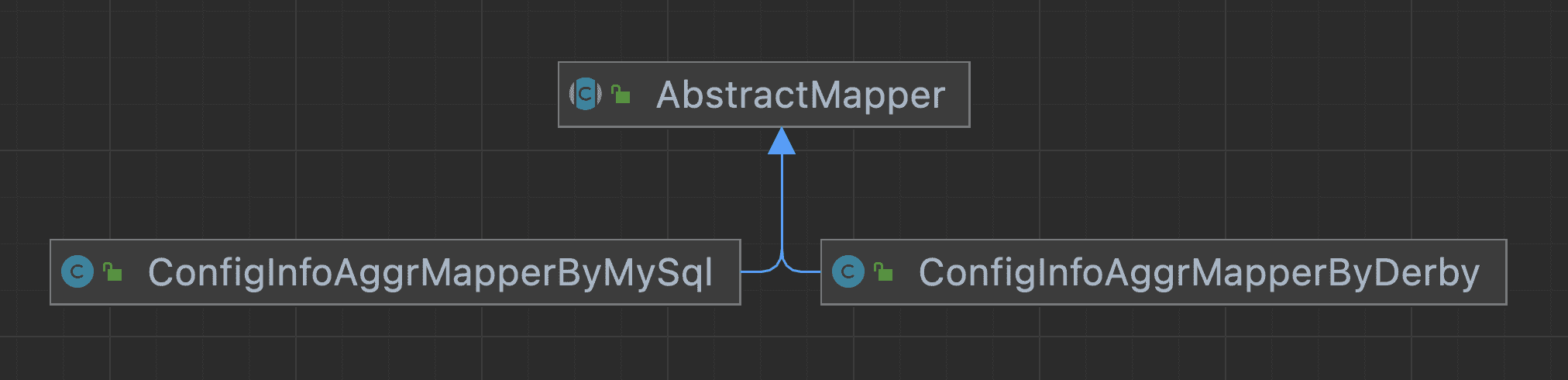
Nacos 从 2.2.0 版本开始,可通过 SPI 机制注入多数据源实现插件,并在引入对应数据源实现后,便可在 Nacos 启动时通过读取 application.properties 配置文件中 spring.datasource.platform 配置项选择加载对应多数据源插件.
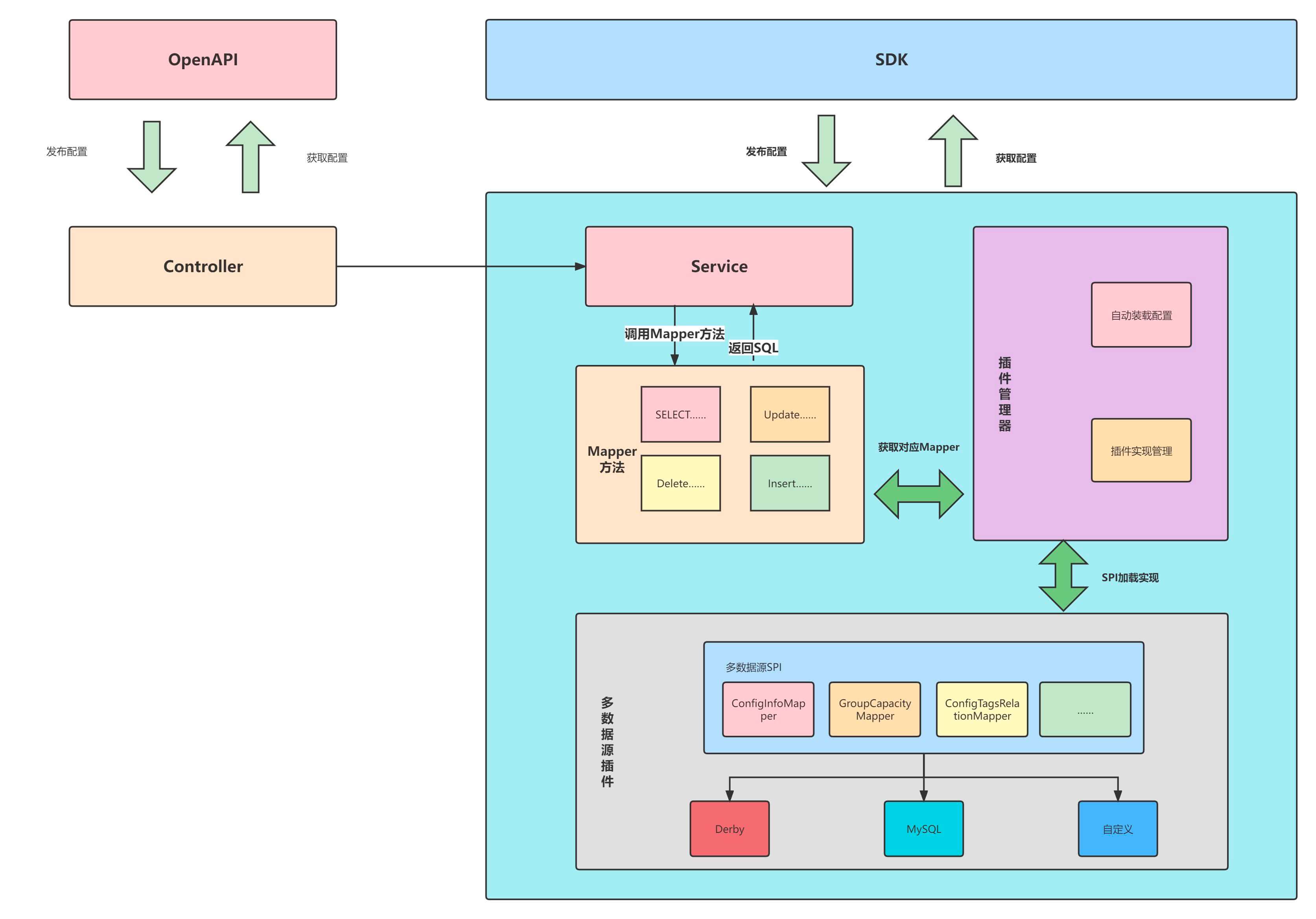
Nacos 官方默认实现 MySQL、Derby ,其他类型数据库接入需要参考下文自己扩展。
自定义人大金仓插件
1. 添加 人大金仓 插件
依赖已上传 maven 中央仓库,请勿使用阿里云代理
<dependency><groupId>com.pig4cloud.plugin</groupId><artifactId>nacos-datasource-plugin-kingbase</artifactId><version>0.0.2</version></dependency><!--人大金仓数据库驱动--><dependency><groupId>com.pig4cloud.plugin</groupId><artifactId>kingbase8</artifactId><version>8.6.0</version></dependency>
2. 导入 nacos 人大金仓 数据库脚本
- 特殊设置: kingbase.conf , ‘’ null 的转换
ora_input_emptystr_isnull = off
3. 配置 人大金仓 数据源链接信息
db:num: 1url:0: jdbc:kingbase8://127.0.0.1:54321/test?currentSchema=pig_configuser: SYSTEMpassword: SYSTEMpool:config:driver-class-name: com.kingbase8.Driver
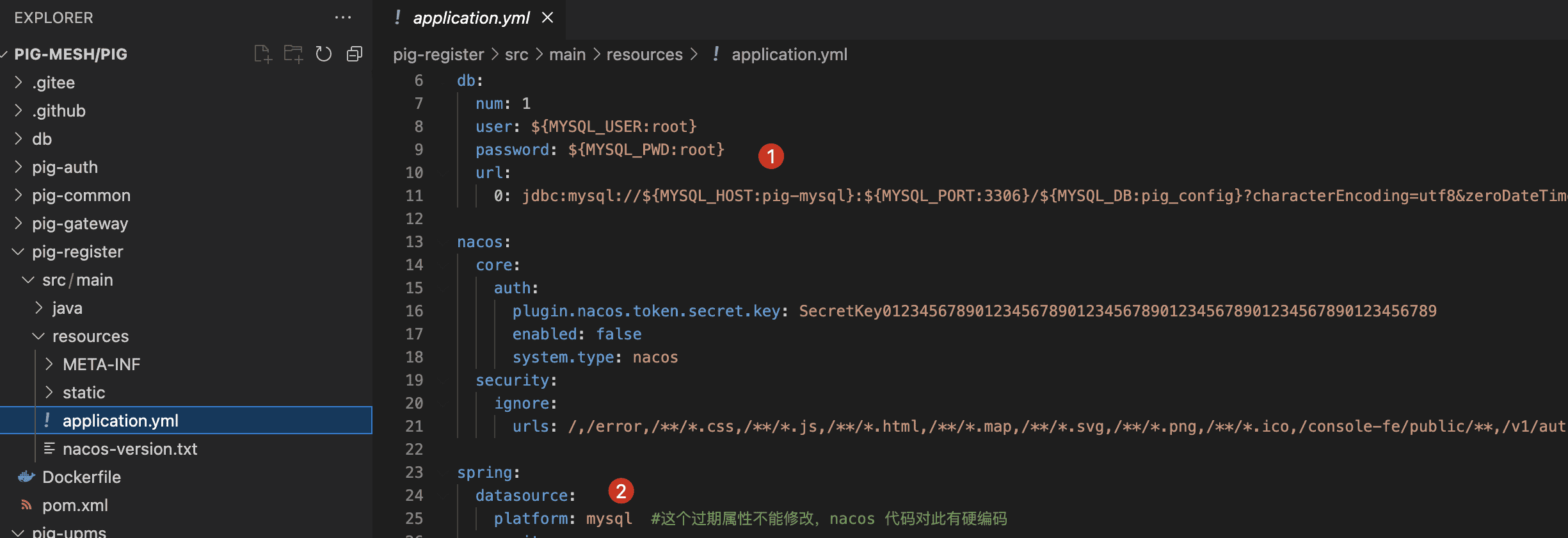
4. 指定 nacos 数据源平台
spring:datasource:platform: kingbase8

若有收获,就点个赞吧
0 人点赞


