一.下载指定版本的PyCharm
https://www.jetbrains.com/pycharm/download/other.html
下载之后需要登陆,然后点击Start trial, Login 获取IDE authorization token
https://account.jetbrains.com/oauth2/signin?login_challenge=2a30f568d7f2432685e3e3574269a23f
启动后你可以看到有效期是2022/3/23号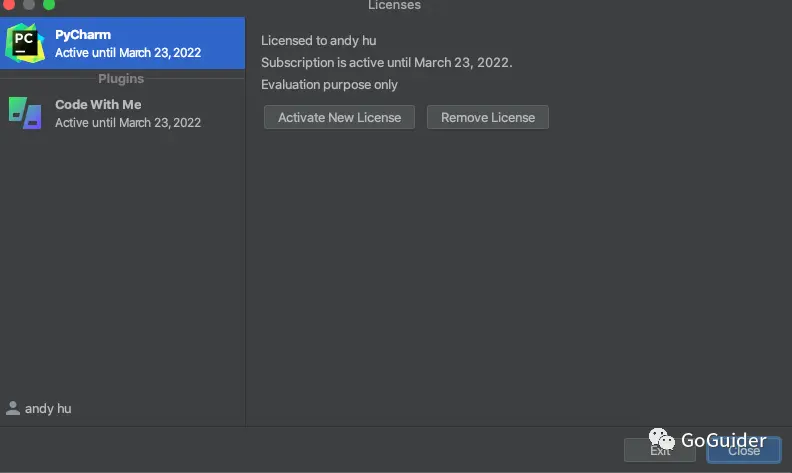
2、下载破解插件: ide-eval-resetter
蓝奏云:https://wwn.lanzouy.com/iYPFM03zs0bi
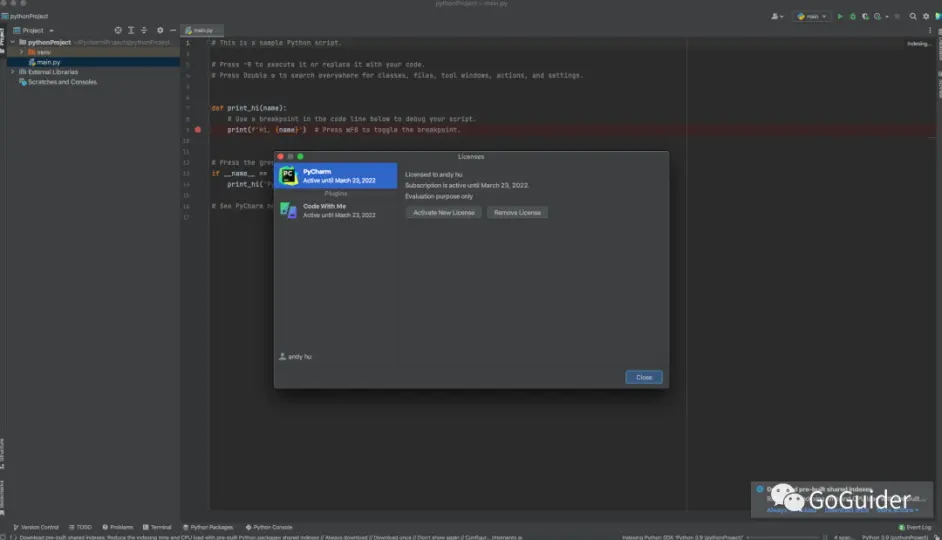
将下载好的破解包拖拽到pycharm后, 重启pycharm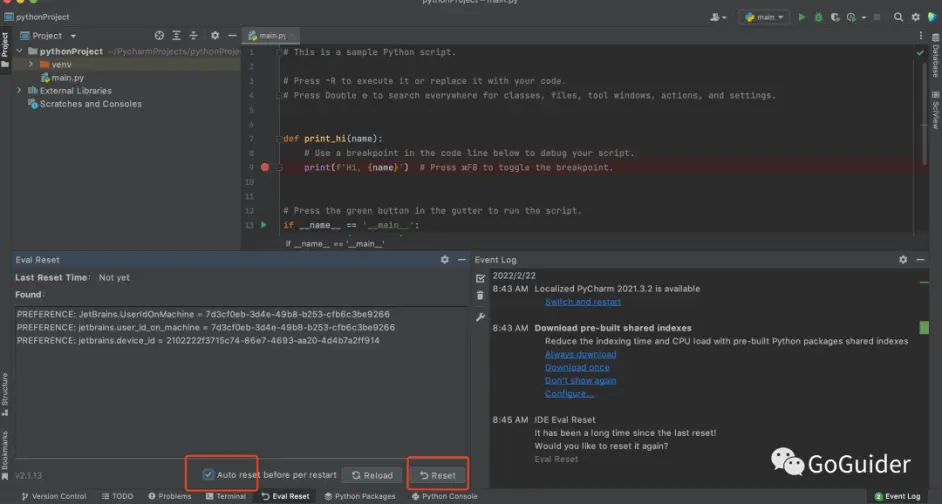
如图,勾选: Auto reset before per restart , 然后点击Reset, 然后可以看到Last Reset Time 就改变了。

若有收获,就点个赞吧
0 人点赞


